
For People Analytics Solutions
Power your business with better people data
Better decisions start with better data. Get clear, timely insights with our industry-leading people analytics. No more scouring spreadsheets and crunching numbers — we streamline your reporting so you can focus on results.
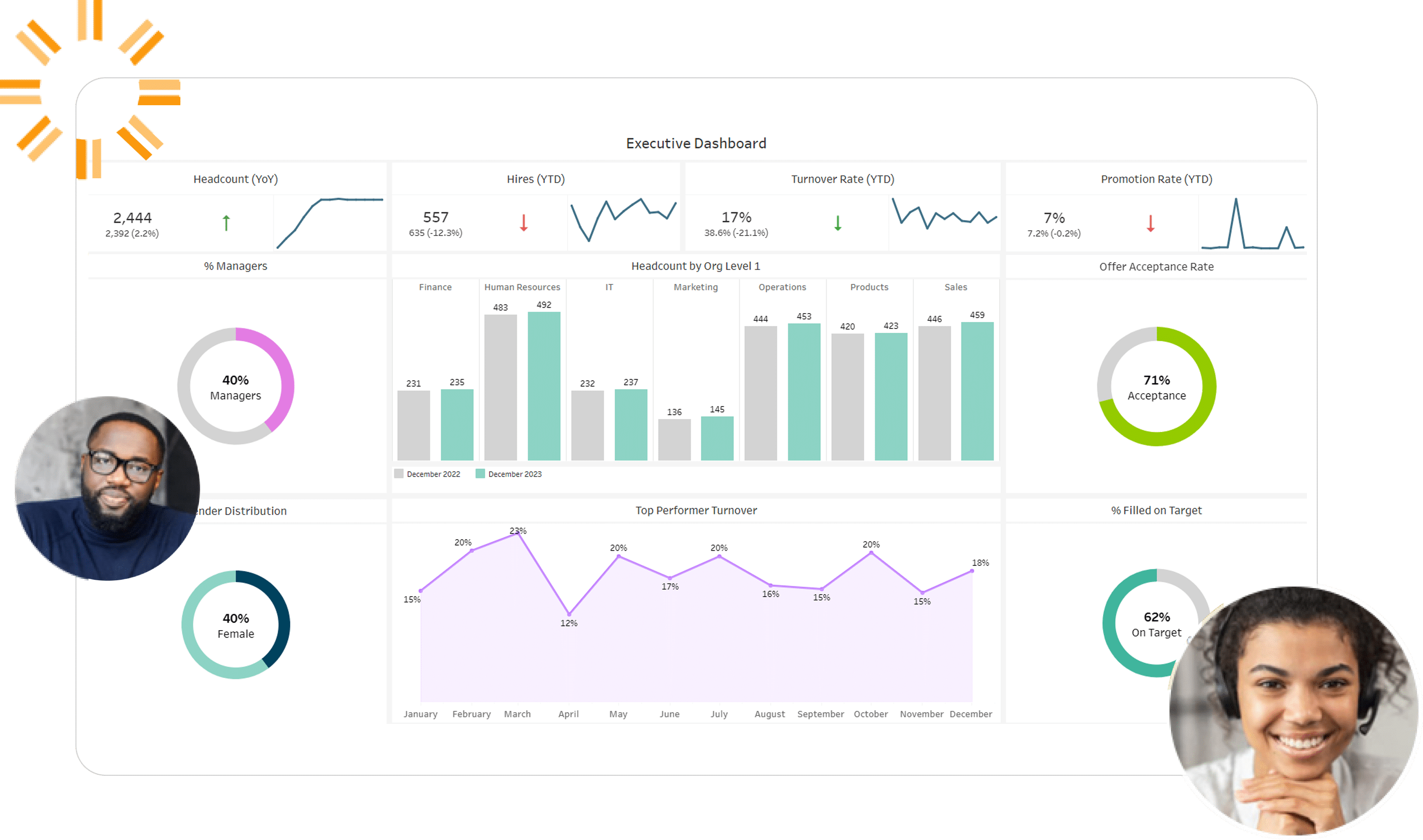









The scalable approach to HR management
We help you de-silo your data and drive results across every HR function, from DEI to retention. With clearer data in hand, your team can make smarter decisions — faster. |
Optimize Talent AcquisitionUp-level your candidate experience with clear pipeline data. Remove the bottlenecks, identify top applicants, and make an offer faster. |
 |
Improve Quality of HireIdentify which recruiting programs are driving quality hires. Drill down into first-year outcome data, from hiring manager surveys to turnover metrics. |
 |
Reduce TurnoverCut employee churn rates with pinpoint insights on what is truly driving attrition. Data in hand, you can develop proactive retention strategies. |
 |
Monitor HeadcountGet a complete picture of headcount across departments. Connect the dots between hiring volume, attrition rates, and internal movement. |
 |
Retain Top TalentDemystify employee retention. See what’s truly working, with comprehensive metrics on compensation, engagement, development, and more. |
 |
Achieve DEI GoalsDeliver a genuine impact with your DEI programs. Measure your progress against key initiatives and loop in stakeholders for total visibility. |
 |
CompensationStay competitive. Measure your compensation rates against industry benchmarks, and keep tabs on key focus areas, like strategic growth and top performers. |
 |
Succession PlanningPrep for a pain-free succession to keep business running smoothly. Identify potential role gaps sooner, and adjust your employee development plans accordingly. |
Technology Advantage
Unify your siloed data. Get a digestible, up-to-date picture of every HR function — all in one place.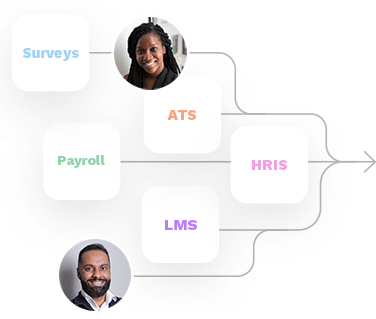
Data Integration
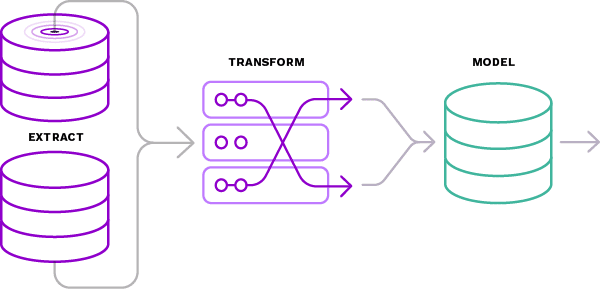
Data Transformation & Model
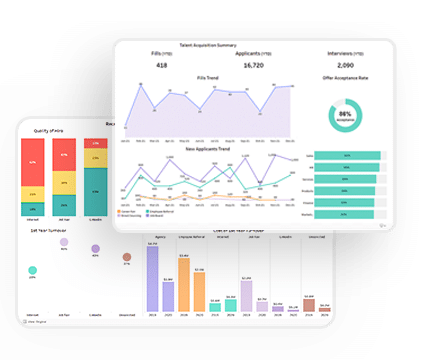
Visualization & Customization

Business Impact Solution HR Tech Award Winner
HireRoad is the 2023 Talent Analytics winner for Best Analytics, Measurement, and Business Impact Solution!
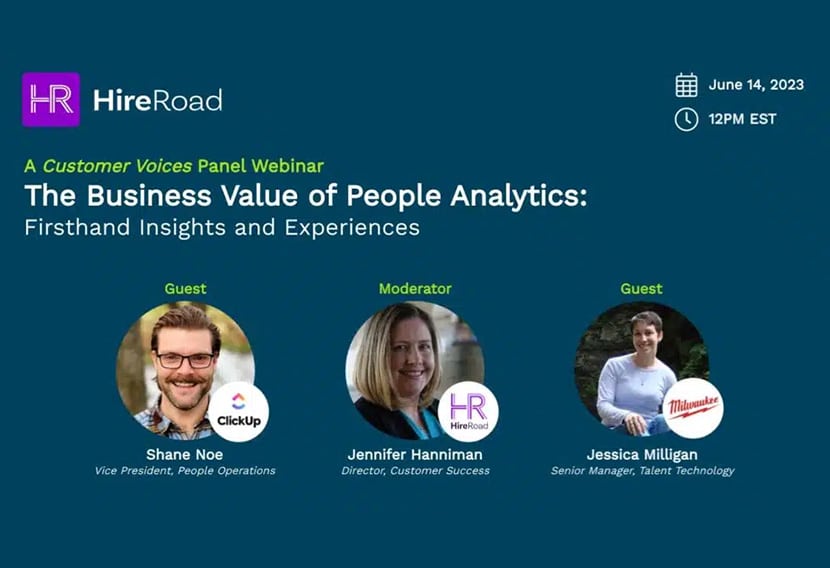
Panel Discussion: The Business Value of People Analytics – Firsthand Insights and Experiences
Watch Live on Demand
What Our Customers Are Saying
HR Management Resources
Get practical advice from people who get it. Learn from HR industry experts and people data wizards.
Webinar – The Future of People Analytics
Webinar: The Future of People Analytics: Learnings from Aptitude Research…
read more >
Landing Page – 2024 Guide to Navigating People Analytics eBook
The 2024 Guide to Navigating People Analytics Your Guide to…
read more >
Top 5 HR Analytics Dashboards – eBook
People Analytics Dashboards for People Leaders Discover the transformative potential…
read more >